 Amos Bastian
If you've searched for a Submagic alternative, you've probably already used Submagic or watched someone else's captions and wondered how they got them looking that clean. It's a genuinely good tool. The question most people are actually asking is whether it's the right one for their workflow, or their budget, or the specific part of the process they're stuck on.
Captions matter more than most creators think. They add up to 12% more watch time and make a video 80% more likely to be watched all the way through, according to 2026 social video research aggregated by Sprout Social and Kapwing. On platforms where 85% of videos autoplay with the sound off, a caption style that actually holds attention isn't a nice-to-have, it's most of the job.
Submagic built its whole product around that one problem: automatic captions in 48 languages, keyword highlighting, emoji placement, B-roll insertion, and silence removal, all from one upload. It's a solid choice if that's exactly what you need. But it isn't the only tool built for this job, and depending on what you're actually stuck on, filming, repurposing, budget, or getting anyone to see the video at all, a different tool might fit better.
This post compares 8 of the best Submagic alternatives in 2026, including what each one is actually built for, what it costs, and where it falls short.
Key takeaways
- Captions add up to 12% more watch time and 80% higher completion rates (Sprout Social / Kapwing, 2026)
- Submagic starts at $20/month for 30 videos; most alternatives here range from free to $29/month
- Revid.ai, Faceless.so, and InVideo AI go further than captioning, generating the whole video, subtitles included, from a script or prompt
- Autovirality is listed first because it solves what happens before and after editing: creating proven formats and publishing them on autopilot
What Submagic does well (and where alternatives fit)
Section titled: What Submagic does well (and where alternatives fit)Submagic is built for creators who already have a short clip and want it captioned, styled, and polished fast. Upload a video and it adds animated captions with word-level highlighting, drops in B-roll automatically via its Magic B-Roll feature, removes dead air, and adds sound effects and zooms, all in a few minutes.
The tools below cover different parts of the same landscape:
- Content creation + publishing: Autovirality — creates short-form content from proven formats, then publishes it, so there's less footage that needs editing in the first place
- Full script-to-video, captions included: Revid.ai, Faceless.so, InVideo AI — for creators who'd rather generate the video than film it
- Best AI voiceover paired with captions: Fliki
- AI-driven viral clip detection: Klap, Vizard AI
- Avatar-led video with built-in captions: Elai.io
None of these are clones of Submagic. Each one wins on a use case Submagic either doesn't cover or doesn't prioritize.
The 8 best Submagic alternatives in 2026
Section titled: The 8 best Submagic alternatives in 2026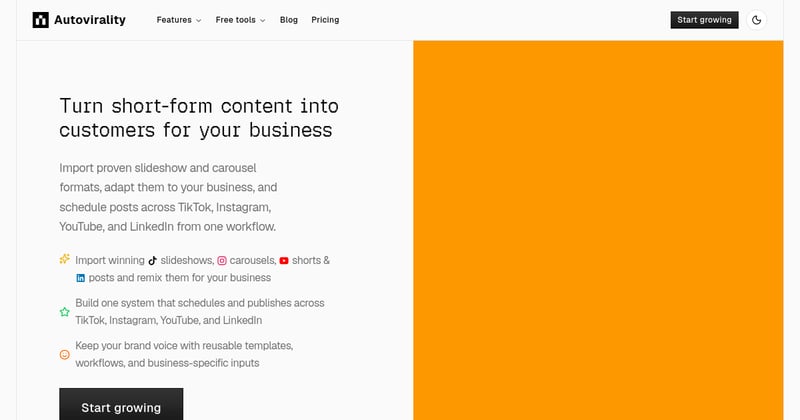
Best for: Creators and brands who want more views, likes, and followers on autopilot, without spending hours filming, editing, or posting themselves
Submagic and every other tool on this list solve the same problem: making a video you already filmed look better. None of them solve the problem most creators are actually stuck on, which is having something worth filming, and then actually posting it consistently enough for the algorithm to notice you.
Autovirality starts a step earlier. It imports proven short-form and slideshow formats that are already working on TikTok, adapts them to your business or brand using templates and AI, then schedules and publishes them across TikTok, Instagram, YouTube, and LinkedIn without you touching an editing timeline. You're not captioning a clip you struggled to make, you're running a pipeline that keeps producing and posting content on its own.
That matters because growth on these platforms rewards consistency more than polish. A perfectly captioned video posted once a month loses to a rougher one posted daily. Autovirality is built to close that gap on autopilot, so views, likes, and follower growth keep compounding in the background while you focus on everything else, and the content itself can be part of how you earn, whether that's driving traffic, selling a product, or building an audience you monetize later.
Key features:
- Imports proven viral TikTok slideshow and short-form formats
- Adapts formats to your brand with templates, AI assistance, and project context
- Auto-publishes to TikTok, Instagram, YouTube, and LinkedIn on a schedule
- No filming, editing, or manual posting required once it's set up
Pricing: Free plan (3 slideshow generations) | Starter $29/mo Try Autovirality
Best for: Faceless creators who'd rather generate a finished, captioned video from a script than caption footage they already shot
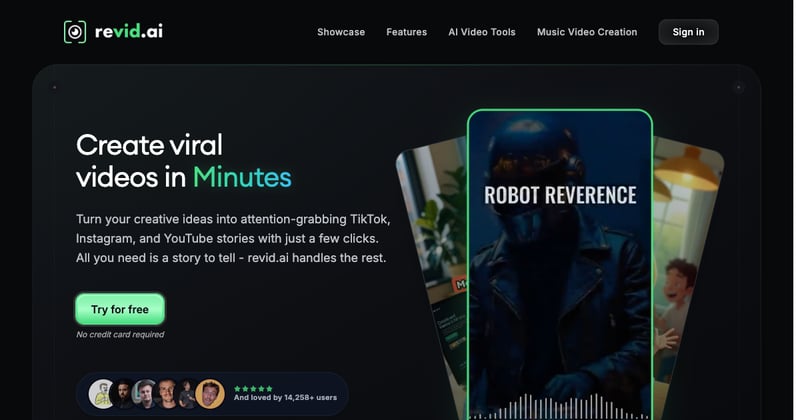
Submagic assumes you already have footage to upload. Revid.ai skips that step: give it a script, a blog post, or a social thread and it builds the whole video at once, voiceover, stock or AI footage, and burned-in subtitles, with dedicated workflows for TikTok, Instagram Reels, and YouTube Shorts.
It's not the tool if you already film your own content and just need it captioned. But if the filming is the part you'd rather skip entirely, Revid.ai gets you from idea to a fully subtitled, ready-to-post video in one pass.
Key features:
- Script, blog, or social-post to finished video
- 50+ AI voices and subtitles in 100+ languages
- Dedicated TikTok, Reels, and Shorts workflows
- AI movie maker and AI music video generator included
Pricing: Hobby ~$32/mo, Growth ~$32/mo (more credits), Ultra ~$166–199/mo. Try Revid.ai
Best for: Creators who want captions, voiceover, and posting handled automatically from a prompt, Reddit thread, or blog post
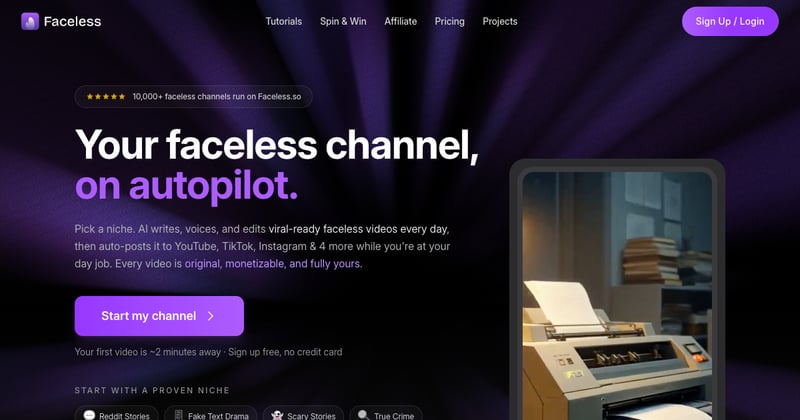
Faceless.so folds captioning into a fully automated pipeline. Feed it a prompt, a Reddit post, or a blog, and it scripts the video, adds cinematic auto-captions and AI voiceover, drops in background music, and posts it, without you ever opening a caption editor.
It's not built for editing footage you already shot. But if you want the caption step to disappear entirely into a hands-off publishing pipeline, Faceless.so goes further than Submagic ever will.
Key features:
- Prompt, Reddit, or blog-to-video generation
- Cinematic auto-captions with AI voiceover and background music
- Auto-posting to YouTube, TikTok, and Instagram
- No timeline or manual caption editing required
Pricing: Starter $29/mo (500 credits), Growth $39/mo (1,000 credits), Influencer $69/mo (2,000 credits), Ultra $99/mo (5,000 credits). Try Faceless.so
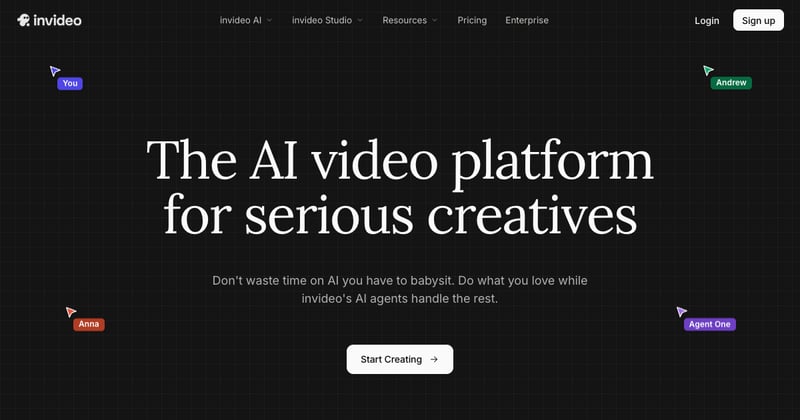
Best for: Beginners who want subtitles and styling handled as part of a full script-to-video pipeline, with no prior editing experience
InVideo AI turns a single text prompt into a scripted, voiced, and subtitled video, sourcing footage from its 16M+ stock library and offering integrated access to Sora and Veo 3.1 for clip generation. With 7 million active users, it's the most widely used tool on this list.
It's a bigger commitment than uploading a clip to Submagic, since it's generating the video from scratch, but for creators with no existing footage and no editing background, it's the fastest path from idea to a subtitled, watchable video.
Key features:
- Full script-to-video generation from one prompt
- Integrated Sora 2 and Veo 3.1 clip generation
- 50+ language voiceovers with automatic subtitles
- 16M+ royalty-free stock media assets
Pricing: Starts at $25/mo. Try InVideo AI
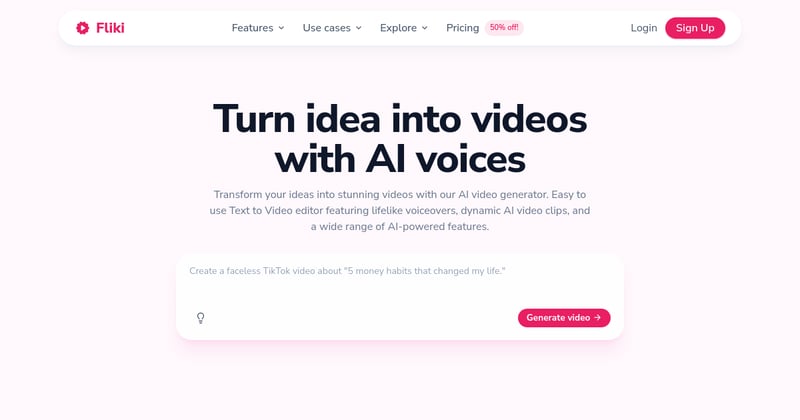
Best for: Creators who want the best AI voiceover on the market, paired automatically with captions
Fliki has the largest voice library in this category, 1,500+ voices across 75+ languages, and it captions everything it narrates automatically. Paste a blog post, script, or tweet and it builds a narrated, subtitled video around it without a separate captioning step.
Submagic won't help you if the video doesn't exist yet, and it doesn't generate voiceover at all. Fliki does both, which makes it the stronger pick when narration quality is what you actually care about most.
Key features:
- 1,500+ AI voices across 75+ languages
- Blog, script, and tweet-to-video pipelines
- Captions generated automatically alongside narration
- Watermark-free exports on paid plans
Pricing: Free (5 min/mo, watermarked), Standard $21/mo (annual), Premium $66/mo (annual). Try Fliki
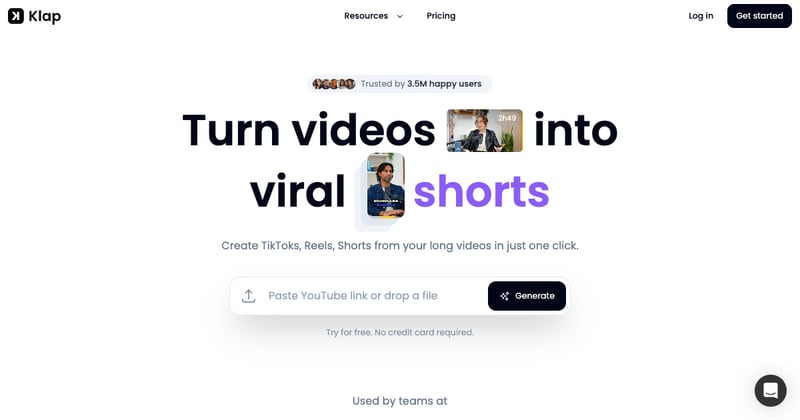
Best for: Creators who want AI trained specifically to find hooks and emotional peaks in long recordings
Klap's AI is trained on viral short-form data and locks onto hooks, payoffs, and emotional peaks in long recordings, then adds word-level highlighted captions on top. It also supports AI dubbing in 29 languages, which Submagic doesn't offer.
It's priced higher than most alternatives here, so it fits best if you're already producing long-form content regularly and need the clip-finding as much as the captioning.
Key features:
- Viral moment detection trained on short-form data
- Word-level caption highlighting with multiple styles
- AI dubbing in 29 languages
- Monthly upload and clip quotas by plan
Pricing: Starter ~$29/mo ($23/mo annual), Pro ~$79/mo, Pro+ ~$189/mo. Try Klap
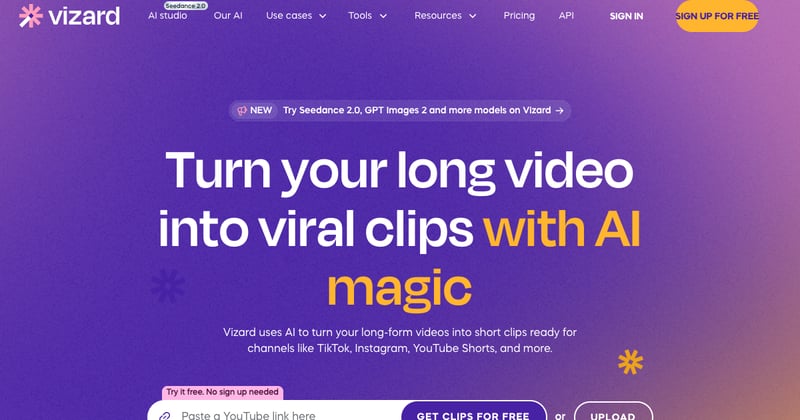
Best for: Budget-conscious creators who want AI clip detection plus captions in one plan
Vizard AI detects engaging moments in long recordings by analyzing speech, pacing, and engagement signals, then adds synced subtitles in 30+ languages. Its free plan includes 60 credits, which is enough to test the workflow before committing.
Compared to Klap, it's the cheaper way to get both clip detection and captioning in a single subscription.
Key features:
- AI clipping from long-form source video
- Auto subtitles in 30+ languages
- Watermark-free exports and 4K on paid plans
- Scheduling included on the Creator plan
Pricing: Free (60 credits). Creator ~$29/mo, Business ~$39/mo. Try Vizard AI
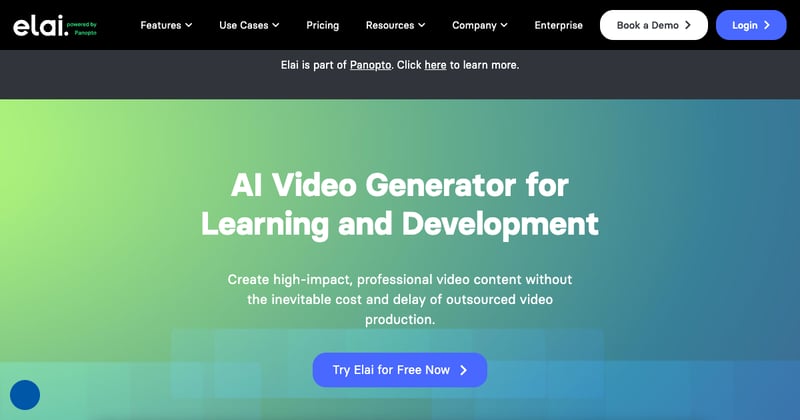
Best for: Marketers and educators who'd rather generate a talking-head avatar video with built-in captions than edit their own footage
Elai.io skips filming entirely. Write a script, pick from 240+ AI avatars, and it produces a presenter-style video with captions included by default, no camera, no presenter, and no separate caption pass afterward.
It's not a fit if you already have real footage of yourself or a client. But for explainer and training content where nobody wants to be on camera, Elai.io replaces both the filming and the captioning step Submagic assumes you've already done.
Key features:
- 240+ AI avatars generated from a script
- Captions included by default, no separate editing step
- Structured editor built for repeatable explainer content
- No presenter, camera, or filming required
Pricing: Basic $23/mo (annual) / $29/mo (monthly) — 15 min/month. Try Elai.io
Side-by-side comparison
Section titled: Side-by-side comparison| Tool | Best for | Free tier | Starting paid price | Finds/creates content | Auto-publishes |
|---|---|---|---|---|---|
| Autovirality | Views, likes, growth on autopilot | Free (3 gens) | $29/mo | Yes, proven formats | Yes |
| Revid.ai | Script-to-video, captions included | No | ~$32/mo | Yes, from a script | No |
| Faceless.so | Fully automated caption pipeline | No | $29/mo | Yes, from a prompt | Yes |
| InVideo AI | Beginner script-to-video | No | $25/mo | Yes, from a prompt | No |
| Fliki | AI voiceover + captions | Yes (5 min) | $21/mo (annual) | Yes, from a script | No |
| Klap | Viral moment detection | No (trial) | ~$29/mo | Yes, from your footage | No |
| Vizard AI | Budget clip detection | Yes (credits) | ~$29/mo | Yes, from your footage | Some plans |
| Elai.io | Avatar video with built-in captions | No | $23/mo (annual) | Yes, from a script | No |
Which Submagic alternative should you use?
Section titled: Which Submagic alternative should you use?The right pick depends on which part of the process is actually slowing you down.
Use Autovirality if you're tired of the whole loop, filming, editing, captioning, posting, and repeating it every day, and you want views, likes, and growth happening on autopilot while you focus on the business behind the content.
Use Revid.ai, Faceless.so, or InVideo AI if you don't have footage to caption in the first place, and you'd rather generate the whole video, subtitles included, from a script or prompt. Faceless.so goes furthest by also auto-posting it for you.
Use Fliki if AI voiceover quality is what you care about most, and you want captions generated automatically alongside the narration.
Use Klap or Vizard AI if you already have long-form recordings, podcasts, webinars, YouTube videos, and the hard part is finding the moment worth posting, not captioning it once you have it.
Use Elai.io if you want a talking-head presenter video for training or explainers without filming anyone, captions included by default.
None of these fully replace Submagic if animated caption styling is genuinely the thing you value most about it, it's still one of the best at that specific job. But if your real bottleneck is upstream (having something worth filming) or downstream (actually getting it posted and seen), the tools above, and Autovirality especially, close a gap that caption styling alone never will.
Frequently asked questions
Section titled: Frequently asked questionsWhat is the best Submagic alternative if I don't have footage to caption yet?
Section titled: What is the best Submagic alternative if I don't have footage to caption yet?Revid.ai, Faceless.so, and InVideo AI all generate a finished, captioned video directly from a script or prompt, so there's no clip to upload to Submagic in the first place. Faceless.so goes furthest by also auto-posting the result to YouTube, TikTok, and Instagram.
Is there a free Submagic alternative?
Section titled: Is there a free Submagic alternative?Vizard AI is the closest to free, with a 60-credit free plan covering both AI clip detection and captioning. Fliki also offers 5 minutes per month free, though exports carry a watermark until you upgrade to a paid plan.
Which Submagic alternative has the best AI voiceover to pair with captions?
Section titled: Which Submagic alternative has the best AI voiceover to pair with captions?Fliki leads this category, with 1,500+ AI voices across 75+ languages, the largest voice library among the alternatives here. It captions everything it narrates automatically, so voiceover and captions are handled in a single pass rather than two separate tools.
How is Autovirality different from Submagic and its alternatives?
Section titled: How is Autovirality different from Submagic and its alternatives?Submagic and its alternatives make the video you already filmed (or generated) look and sound better with captions, B-roll, and editing. Autovirality solves the step before and after that: it imports proven short-form and slideshow formats, adapts them to your business, then publishes them across TikTok, Instagram, YouTube, and LinkedIn on a schedule, so you don't have to keep feeding an editor with new footage.
Which tool is cheapest?
Section titled: Which tool is cheapest?Fliki is the cheapest paid option among the alternatives here at $21/month billed annually. Submagic's Starter plan is $20/month. Autovirality's Starter plan is $29/month and includes content creation and publishing, not just editing.