 Amos Bastian
In 2026, the average time to produce a 60-second marketing video dropped from 13 days to 27 minutes — thanks to AI (ngram.com, AI video statistics 2026). That shift explains why 63% of video marketers already use AI tools in their workflow (Wyzowl 2026 via DemandSage), and why the AI video generator market hit $847M in 2026 and is on track for $3.35B by 2034 (Fortune Business Insights via ngram.com).
Revid AI has earned a strong following for faceless video creation — particularly for TikTok, Instagram Reels, and YouTube Shorts. But it's not the right fit for every workflow, and there are plenty of capable alternatives built around different strengths: repurposing long-form content, generating cinematic video from prompts, editing by transcript, or distributing at scale.
This post compares 8 of the best Revid AI alternatives in 2026, covering what each tool is actually built for, what it costs, and where it falls short.
Key takeaways
- In 2026, 63% of video marketers use AI tools and the AI video market hit $847M (Fortune Business Insights / Wyzowl)
- Text-to-video accounts for 46.3% of all AI video generation — the dominant creation method
- The best alternative depends entirely on your workflow: repurposing vs. generating from scratch vs. editing by transcript
- CapCut Pro offers the best price-to-feature ratio at $9.99/month; Runway ML has the highest output quality ceiling
What Revid AI does (and where alternatives fit)
Section titled: What Revid AI does (and where alternatives fit)Revid AI is built for faceless short-form video — it takes a text prompt, script, or URL and produces a ready-to-post video with voiceover, captions, and B-roll. It's particularly strong for creators who want a repeatable workflow for TikTok and Reels without going on camera.
The tools listed below cover different parts of that same landscape:
- Repurposing existing content: Opus Clip, Pictory
- Text/prompt to video from scratch: InVideo AI, Fliki, Runway ML
- Browser-based editing with AI assists: Kapwing, Descript, Veed.io
- Fast social creation with trend-ready templates: CapCut Pro
None of these are direct clones of Revid AI. Each one wins on a specific use case that Revid AI either doesn't cover or doesn't prioritize.
The 8 best Revid AI alternatives in 2026
Section titled: The 8 best Revid AI alternatives in 2026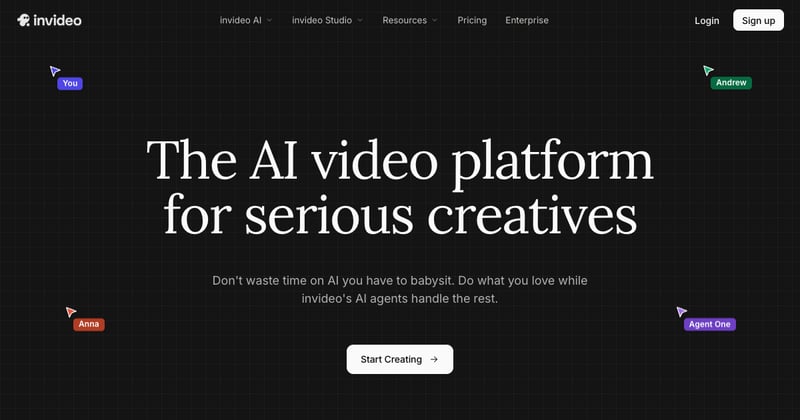
Best for: Content creators and marketers who want to generate a complete video from a text prompt with no editing experience
In 2026, InVideo AI is the only platform that bundles both OpenAI Sora 2 and Google VEO 3.1 under a single subscription — a meaningful differentiator if you want access to frontier AI video models without managing separate accounts. Describe your video idea in a prompt and the platform generates the script, selects stock footage from its 16M+ asset library, adds a voiceover, and edits the timeline. It's a genuinely zero-edit workflow.
The catch is that rendering takes longer than tools built on pre-made stock footage pipelines, and the credit system on lower-tier plans can catch users off-guard. But for pure prompt-to-video output, nothing else in this list matches the model access InVideo offers.
Key features:
- Prompt-based full video generation (no timeline editing required)
- Bundled access to Sora 2 + VEO 3.1
- 16M+ royalty-free stock media assets
- 50+ language voiceovers
Pricing: Free tier available. Plus $35/mo, Max $60/mo, Generative $120/mo (annual billing saves ~50%).
Try InVideo AI
2. Pictory
Section titled: 2. Pictory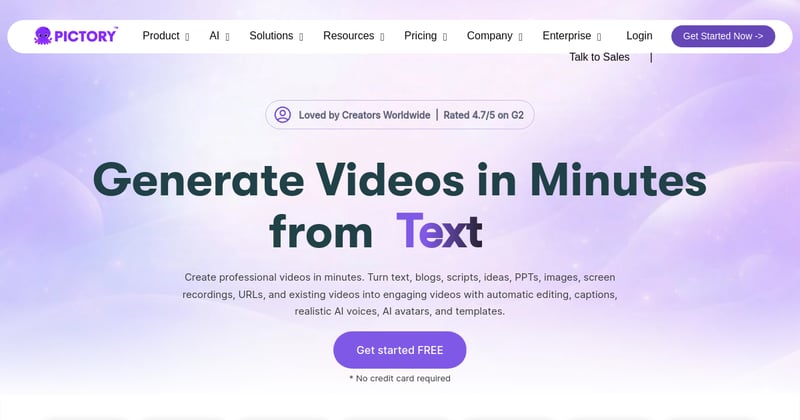
Best for: Content marketers who want to turn blog posts, articles, or webinar recordings into short social video clips
Pictory is the most focused tool on this list. It does one thing exceptionally well: paste a blog post URL or script and the AI creates a highlight video with captions, background music, and voiceover. You edit the video by editing the transcript — no timeline scrubbing, no keyframes.
It's not an alternative if you want to generate video from nothing. But if you're sitting on a library of existing written content and want to extract value from it as video without hiring an editor, Pictory is the fastest path to do it.
Key features:
- Blog-to-video and script-to-video pipelines
- Transcript-based editing (delete text, delete footage)
- Auto-generated captions with high accuracy
- Automatic highlight reel creation from long recordings
Pricing: No free tier (trial available). Starter $19/mo, Professional $29/mo, Teams $99/mo.
Best for: Podcasters, YouTubers, and course creators who want to repurpose long-form video into short clips automatically
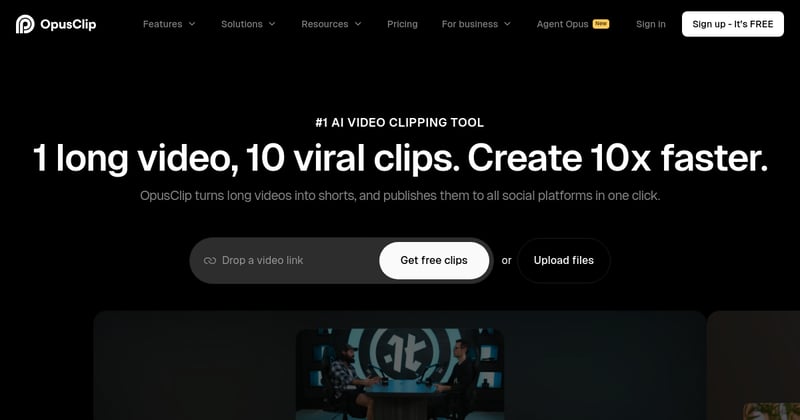
In 2026, Opus Clip is the industry standard for clipping. Upload a long video — a podcast episode, webinar, or YouTube video — and the AI identifies the most engaging segments using a virality score, crops them to vertical format, adds animated captions, generates hooks, and tracks the speaker automatically. Caption accuracy consistently hits 97%+ across reviewers.
It can't generate video from scratch. If your problem is turning existing recorded content into social clips at scale, Opus Clip is faster and more accurate than building that workflow manually.
Key features:
- AI virality score to identify best-performing segments
- 97%+ caption accuracy with trending animation styles
- Auto-generated hooks and speaker tracking
- B-roll insertion via generative AI (uses extra credits)
Pricing: Free plan available. Starter $15/mo, Pro $29/mo. Business pricing on request.
Try Opus Clip
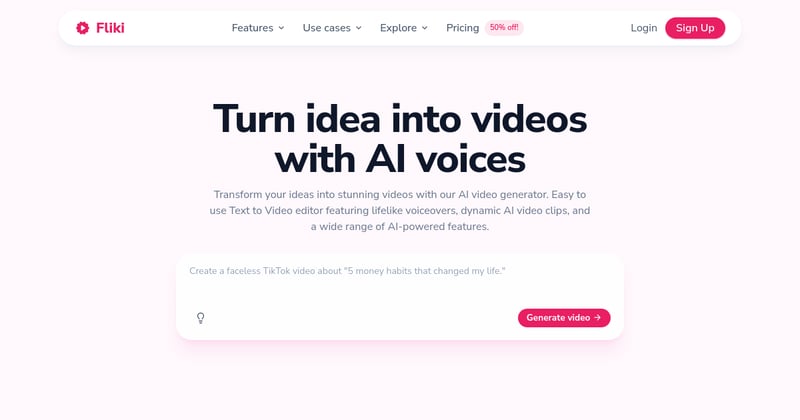
Best for: Creators who need high-quality AI narration — especially for multilingual content, explainer videos, or product demos
Fliki has the best voice engine in the AI video category. Its library of 1,300+ AI voices across 75+ languages produces narration that sounds natural rather than robotic, which matters when voiceover quality is the primary differentiator in your content. Input a script, blog post, or product page and Fliki matches scenes from its media library automatically.
The visual editing controls are more limited than dedicated editing tools, but if you're primarily concerned with how the narration sounds rather than how the visuals look, Fliki outperforms everything else on this list.
Key features:
- 1,300+ AI voices across 75+ languages — strongest voice library in the category
- Script, blog, and product page inputs
- Built-in media library with automatic scene matching
- Voice cloning available on higher tiers
Pricing: Free tier (limited minutes). Standard ~$28/mo, Premium ~$88/mo (annual billing saves 25%).
Try Fliki
5. Kapwing
Section titled: 5. Kapwing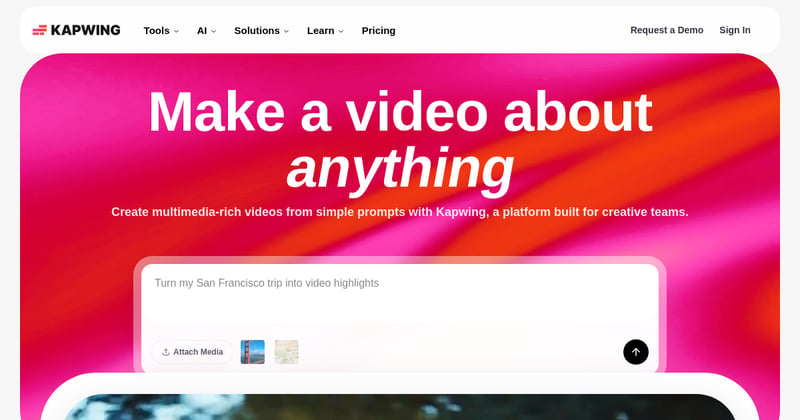
Best for: Teams that need browser-based collaborative video editing with strong AI shortcuts — no software install required
Kapwing sits at the intersection of a traditional video editor and an AI toolkit. Auto-subtitles, Smart Cut (removes silence and filler words automatically), Clean Audio noise reduction, and voice cloning in 70+ languages are built in. Everything runs in the browser, which makes it unusually accessible for teams where not everyone has video editing software.
It's not built for generating AI video from prompts — it's an editor that makes editing faster. The distinction matters: if you're producing a lot of content that needs to be polished and collaborative, Kapwing is the right call. If you're generating video from scratch, look elsewhere.
Key features:
- Smart Cut removes silence and filler words automatically
- Voice cloning and dubbing in 70+ languages
- Browser-based with full team collaboration
- Auto-subtitles and Clean Audio noise reduction
Pricing: Free (with watermark). Pro $16/mo (annual) / $24/mo. Business $50/mo (annual) / $64/mo.
6. Descript
Section titled: 6. Descript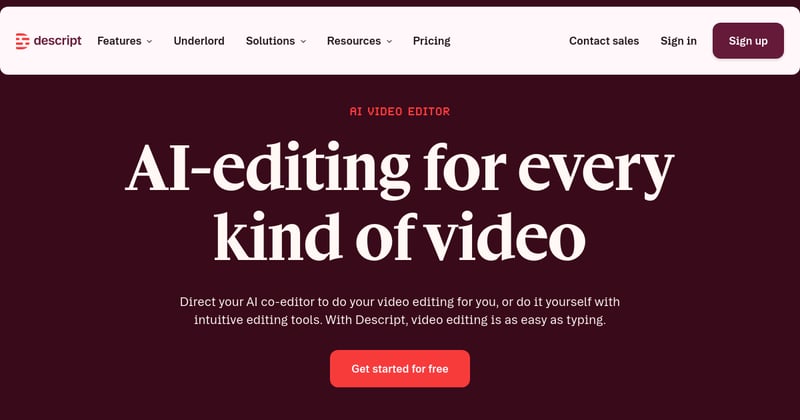
Best for: Podcasters, course creators, and YouTubers who produce spoken-word content and want to edit it by editing the transcript
Descript's core mechanic is genuinely different from any other tool in this list: edit video and audio by editing the text transcript. Delete a word in the transcript and it cuts that footage. It sounds like a gimmick until you've spent three hours scrubbing a podcast timeline to remove an "um." Descript's Underlord AI tools (Studio Sound noise reduction, Overdub voice cloning, automatic filler word removal) are layered on top of that.
Worth noting: Descript overhauled its pricing in September 2025 and introduced AI credits that can add unexpected costs on heavy usage plans. Check the current pricing page before committing, especially if you're editing large volumes.
Key features:
- Transcript-based video and audio editing
- Studio Sound (AI noise reduction) and Overdub (voice cloning)
- Automatic filler word removal
- 30+ AI tools via the Underlord suite
Pricing: Free tier. Hobbyist $16/mo (annual). Creator $24/mo (annual). Business $50/mo (annual). Monthly billing adds ~40%.
7. Runway ML
Section titled: 7. Runway ML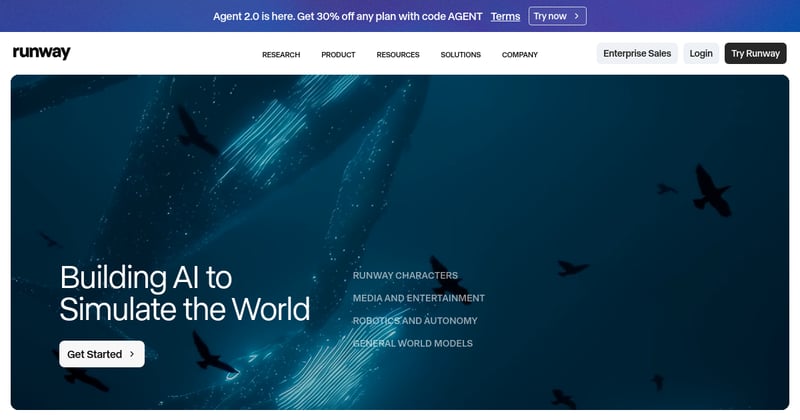
Best for: Creative professionals, filmmakers, and agencies who need the highest visual quality ceiling for generative AI video
Runway ML is where you go when visual quality is non-negotiable. The Gen-4 model (launched March 2025) produces photorealistic output that most marketing tools can't match, and the Aleph feature (released July 2025) lets you modify generated video clips via text prompts without regenerating from scratch. Act-Two handles professional character animation without motion capture equipment.
This isn't a one-click solution for social content. It has the steepest learning curve on this list and credit consumption on high-quality generations adds up quickly. But for agencies or creative teams where output quality directly affects client work, it's in a different category from everything else here.
Key features:
- Gen-4 model for photorealistic video generation
- Aleph in-video editing (modify generated video via text prompts)
- Act-Two motion capture for character animation
- Regular model updates with significant capability jumps
Pricing: Free tier. Standard $12/mo. Pro and Max tiers available. Annual billing saves ~20%.
8. CapCut Pro
Section titled: 8. CapCut Pro
Best for: Individual creators and small e-commerce brands who want fast, trend-ready social content at the lowest price point
CapCut Pro has the best price-to-feature ratio in the category at $9.99/month. The AI Clipper converts long-form to vertical 9:16 Shorts with one click, generative B-roll creation works from text prompts, and the commercial licensing on Pro clears stock footage, music, and templates for use in ads — which most free plans don't. The template ecosystem is the largest in the category and closely tracks trending TikTok formats.
The main flag for enterprise users: CapCut is owned by ByteDance (the TikTok parent company), which raises data-sovereignty questions for teams with compliance requirements. For individual creators, that's rarely a blocker.
Key features:
- AI Clipper for one-click long-to-short conversion
- Generative B-roll from text prompts
- Commercial license on Pro (cleared for ads)
- Largest trending-format template library
Pricing: Free (with watermark). Pro $9.99/mo or $74.99/yr. Team plan $18.99/mo per seat.
Side-by-side comparison
Section titled: Side-by-side comparison| Tool | Best for | Free tier | Starting paid price | Generates from scratch | Repurposes existing content |
|---|---|---|---|---|---|
| InVideo AI | Prompt-to-video | Yes | $35/mo | Yes | Limited |
| Pictory | Blog/script to video | No (trial) | $19/mo | No | Yes |
| Opus Clip | Clipping long-form | Yes | $15/mo | No | Yes |
| Fliki | AI voiceover quality | Yes | ~$28/mo | Yes | Yes |
| Kapwing | Team browser editing | Yes | $16/mo | No | Yes |
| Descript | Podcast/spoken-word | Yes | $16/mo | No | Yes |
| Runway ML | Cinematic AI video | Yes | $12/mo | Yes | No |
| CapCut Pro | Fast social content | Yes | $9.99/mo | Partial | Yes |
Which Revid AI alternative should you use?
Section titled: Which Revid AI alternative should you use?The answer depends almost entirely on your workflow:
Use InVideo AI if you want to describe a video and have it appear, fully produced, without touching a timeline. It's the strongest prompt-to-video tool and the only one with both Sora 2 and VEO 3.1 access.
Use Pictory or Opus Clip if you already have content — blog posts, podcasts, long YouTube videos — and want to extract short-form clips without starting from scratch. Pictory handles text-based repurposing; Opus Clip handles video-based repurposing.
Use Fliki if voice quality is the priority. The 1,300+ voice library and 75-language coverage are in a different tier from most competitors.
Use Kapwing or Descript if you're editing rather than generating — and especially if you need team collaboration or you're working primarily with spoken-word content.
Use Runway ML if you're producing for clients or creative contexts where output quality affects your reputation. It's the most capable, with the highest learning curve.
Use CapCut Pro if budget is tight and you're an individual creator. $9.99/month with commercial licensing and a massive template library is a strong deal.
Frequently asked questions
Section titled: Frequently asked questionsWhat is the best Revid AI alternative for repurposing existing content?
Section titled: What is the best Revid AI alternative for repurposing existing content?Opus Clip is the strongest option for repurposing. It identifies the best moments from long-form video using an AI virality score, adds captions with 97%+ accuracy, and generates hooks automatically. It's the industry standard for clipping podcasts, webinars, and YouTube videos into short-form content. Starter plans begin at $15/month.
Which Revid AI alternative has the best AI voices?
Section titled: Which Revid AI alternative has the best AI voices?Fliki leads the category on voice quality with 1,300+ AI voices across 75+ languages. If you're creating explainers, product demos, or multilingual content where narration quality matters, Fliki's voice engine is noticeably better than most competitors. Standard plans start at around $28/month.
Is there a free Revid AI alternative?
Section titled: Is there a free Revid AI alternative?Yes — several. Opus Clip, Kapwing, Descript, Runway ML, CapCut, and Fliki all offer free tiers. CapCut's free plan is the most generous for basic editing, while Opus Clip's free tier is best for content repurposing. Most free plans include watermarks or limited exports.
What is the best Revid AI alternative for cinematic AI video generation?
Section titled: What is the best Revid AI alternative for cinematic AI video generation?Runway ML is the strongest option for cinematic output. Its Gen-4 model (released March 2025) produces photorealistic video, and the Aleph in-video editing feature lets you modify generated clips with text prompts. It's aimed at creative professionals and agencies rather than marketers who need quick social content.
Which Revid AI alternative works best for teams?
Section titled: Which Revid AI alternative works best for teams?Kapwing and Descript both offer strong team collaboration features. Kapwing includes voice cloning, dubbing in 70+ languages, and collaborative editing in the browser — no installs needed. Descript is better for teams producing podcast-style content where transcript-based editing saves hours per episode.